Of course my unhappiness with all the various IRC clients I have used has led to the inevitable…
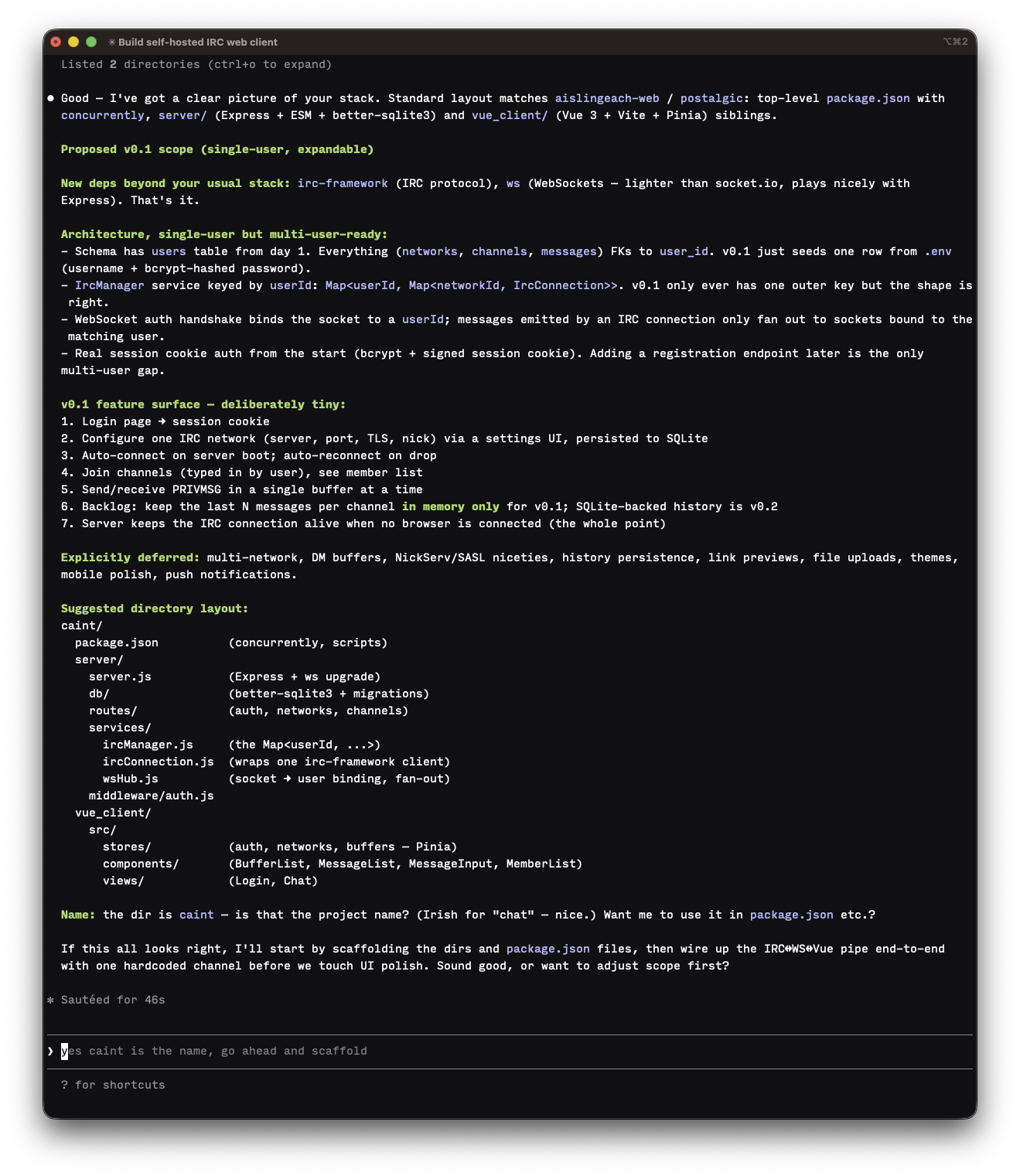
Claude (chatbot) helped come up with the name, it’s sticking with my Gaelic theme. Caint being Gaelic for talk/speech.
Claude Code noticing the project name, cute.

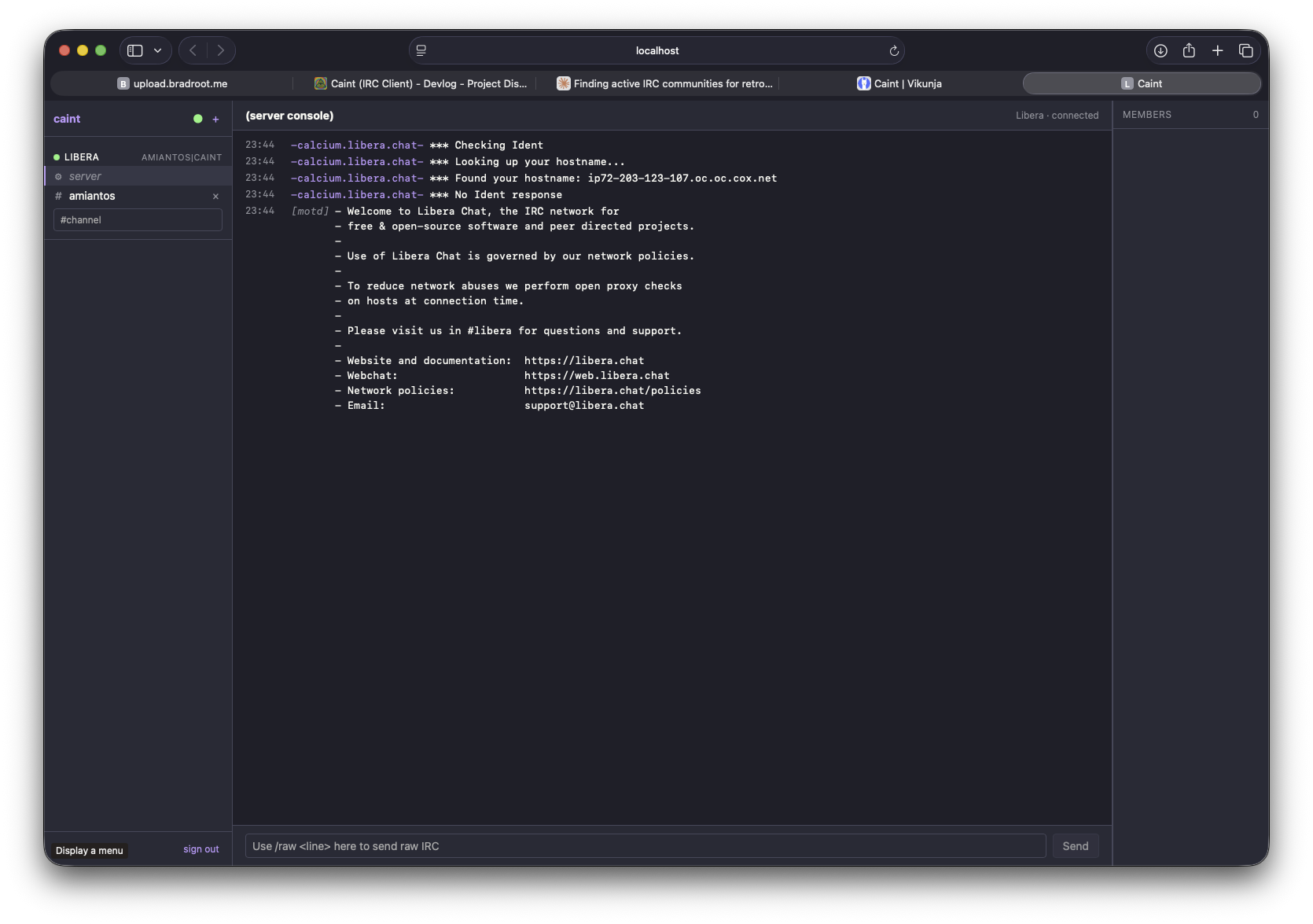
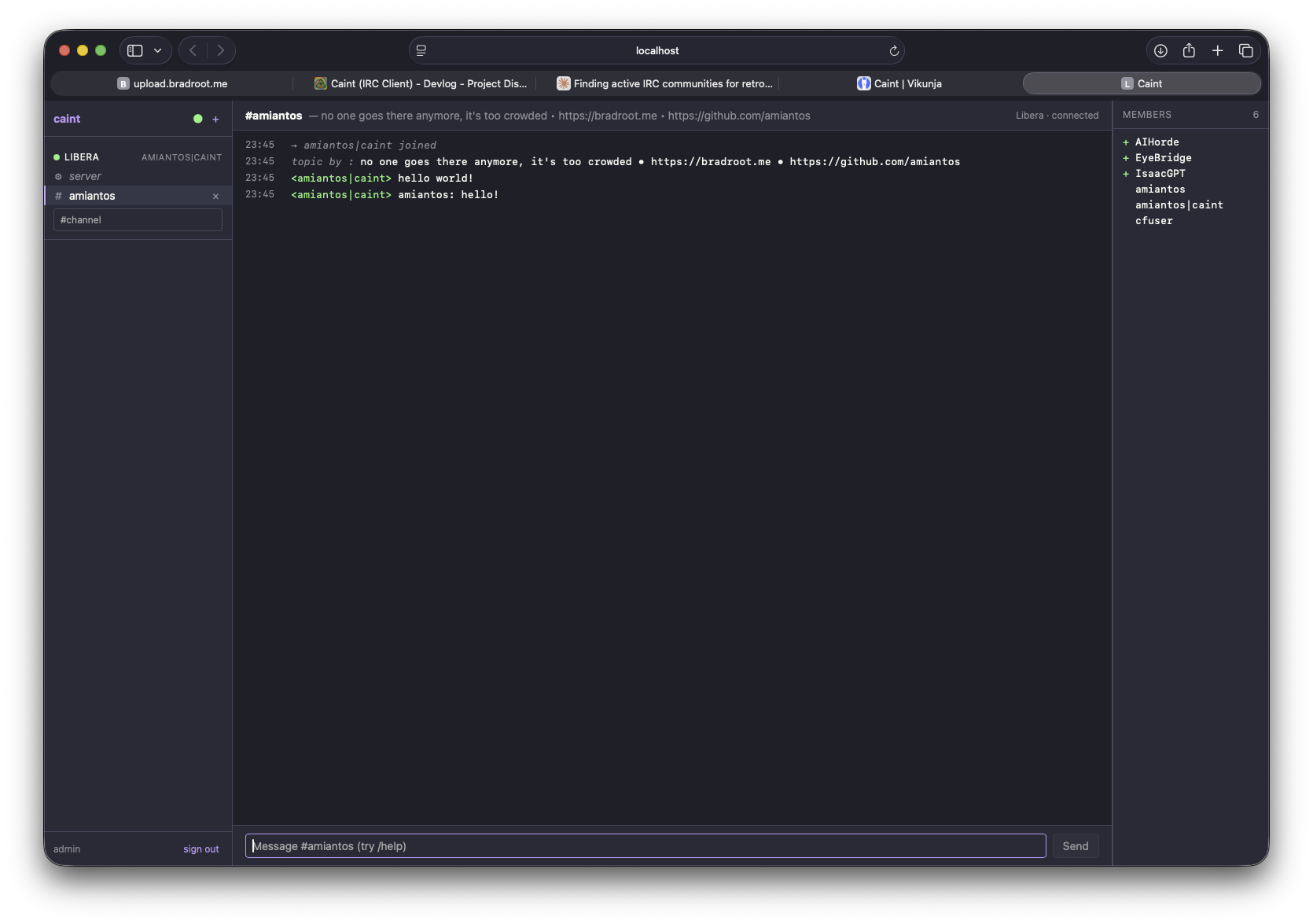
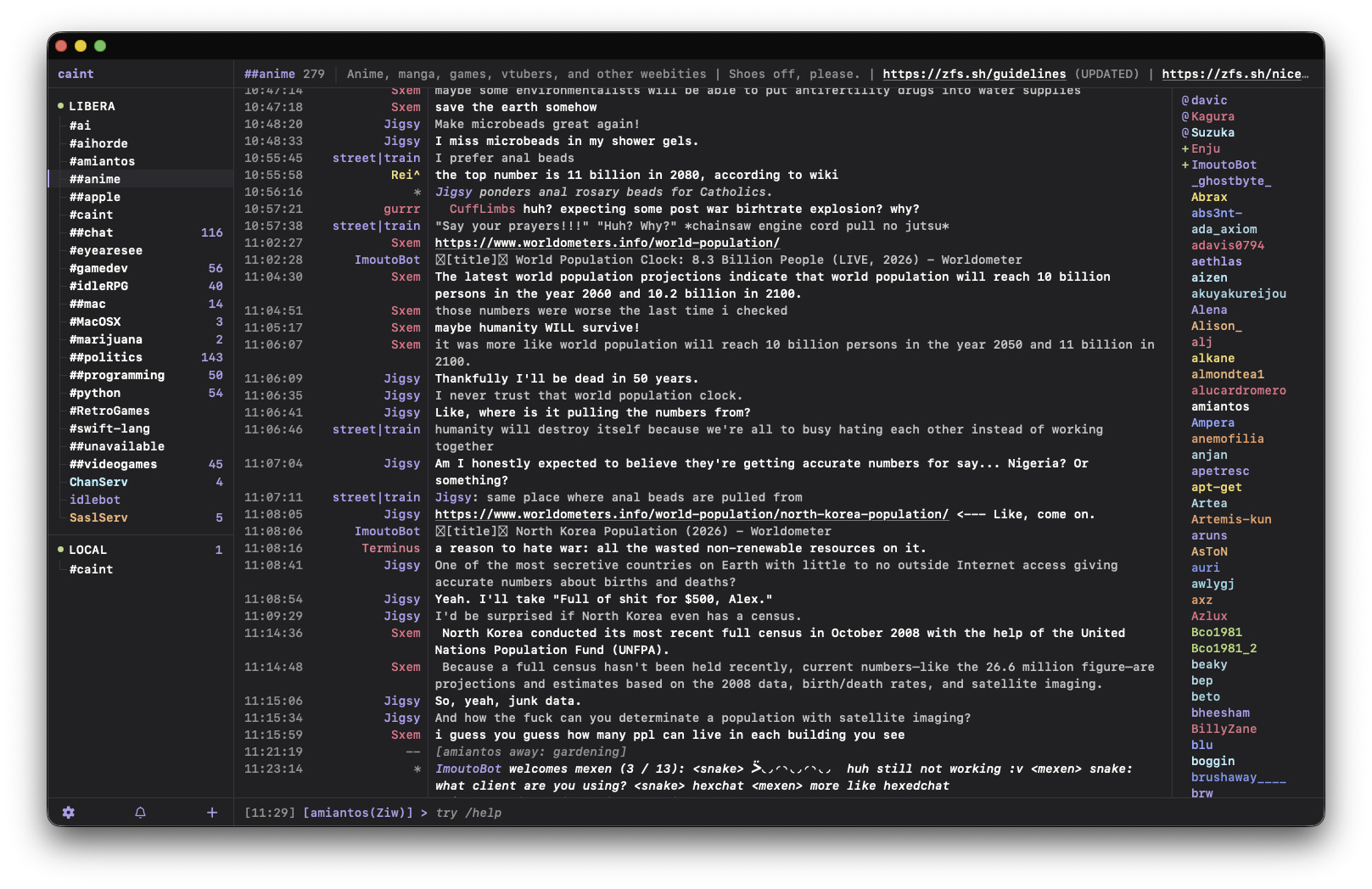
Already got something working.
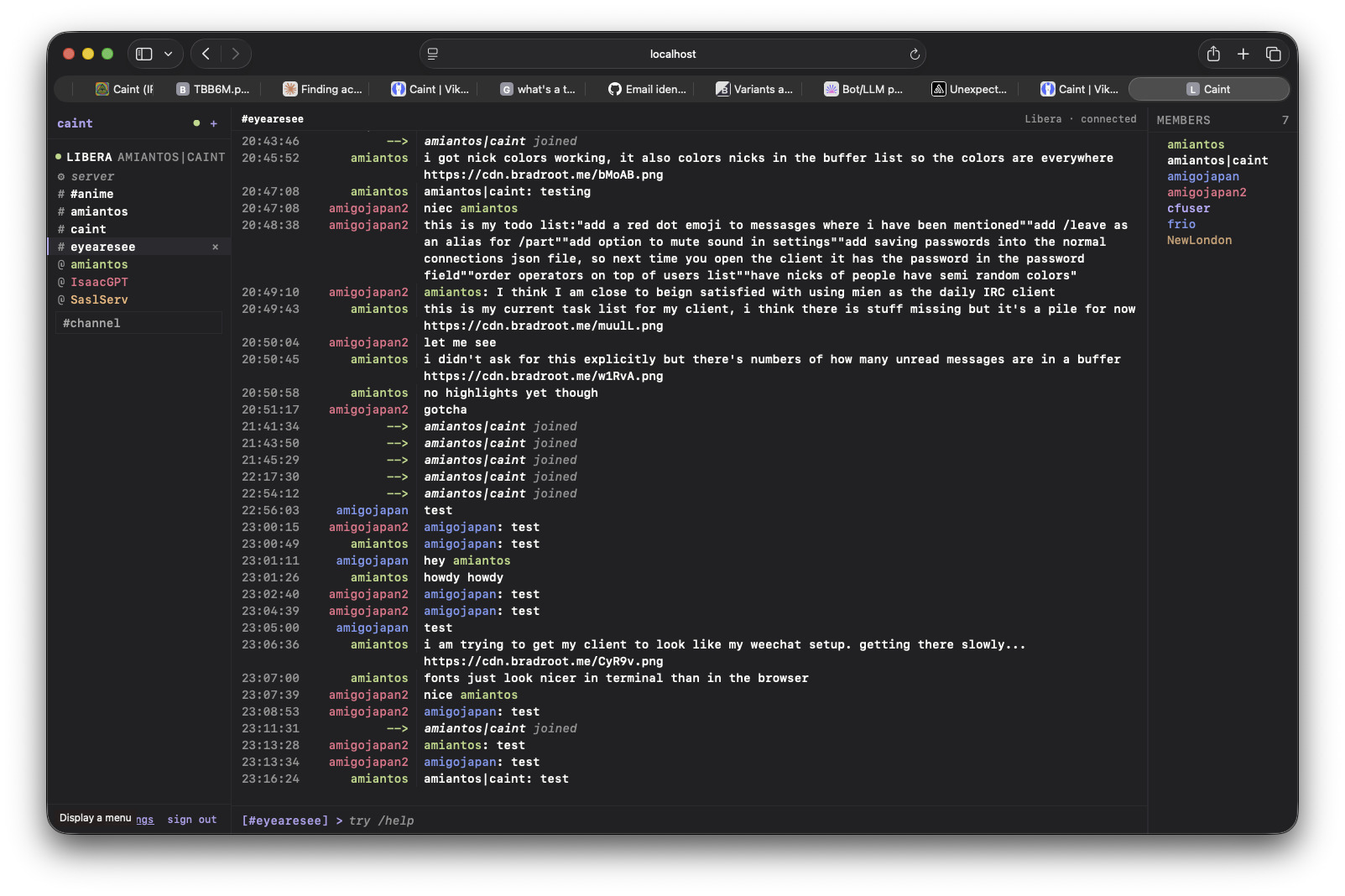
working on getting the default theme to look like my weechat setup… so monokai pro color scheme (with some personal tweaks) and input mono as the font if you have it (which everyone should).
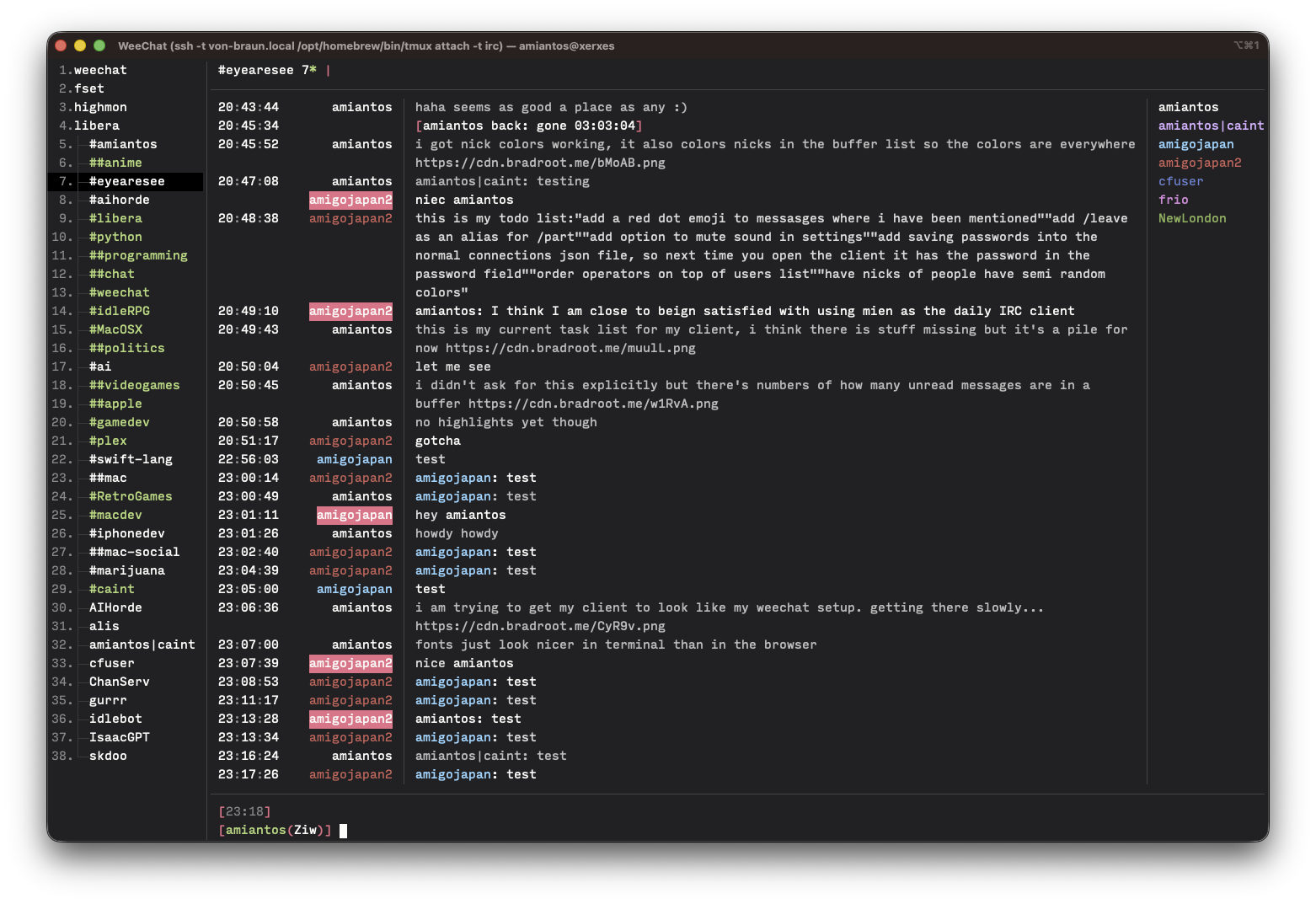
compared to my weechat setup
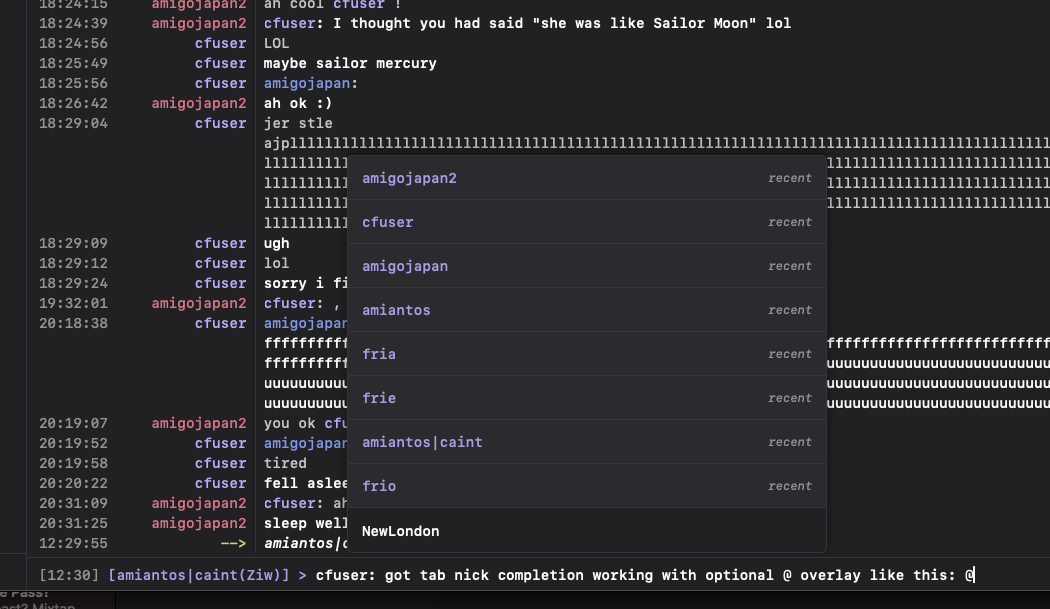
Nick completion both with tab and @ overlay…
I also added the smart filter from weechat to hide join/part messages from people who aren’t talking so it doesn’t clutter the chat. Nice!
Caint app icon, pretty basic and I used the same rainbow from C64 Ultimate Toolbox icon, to be lazy.
looks nice big but not that nice small
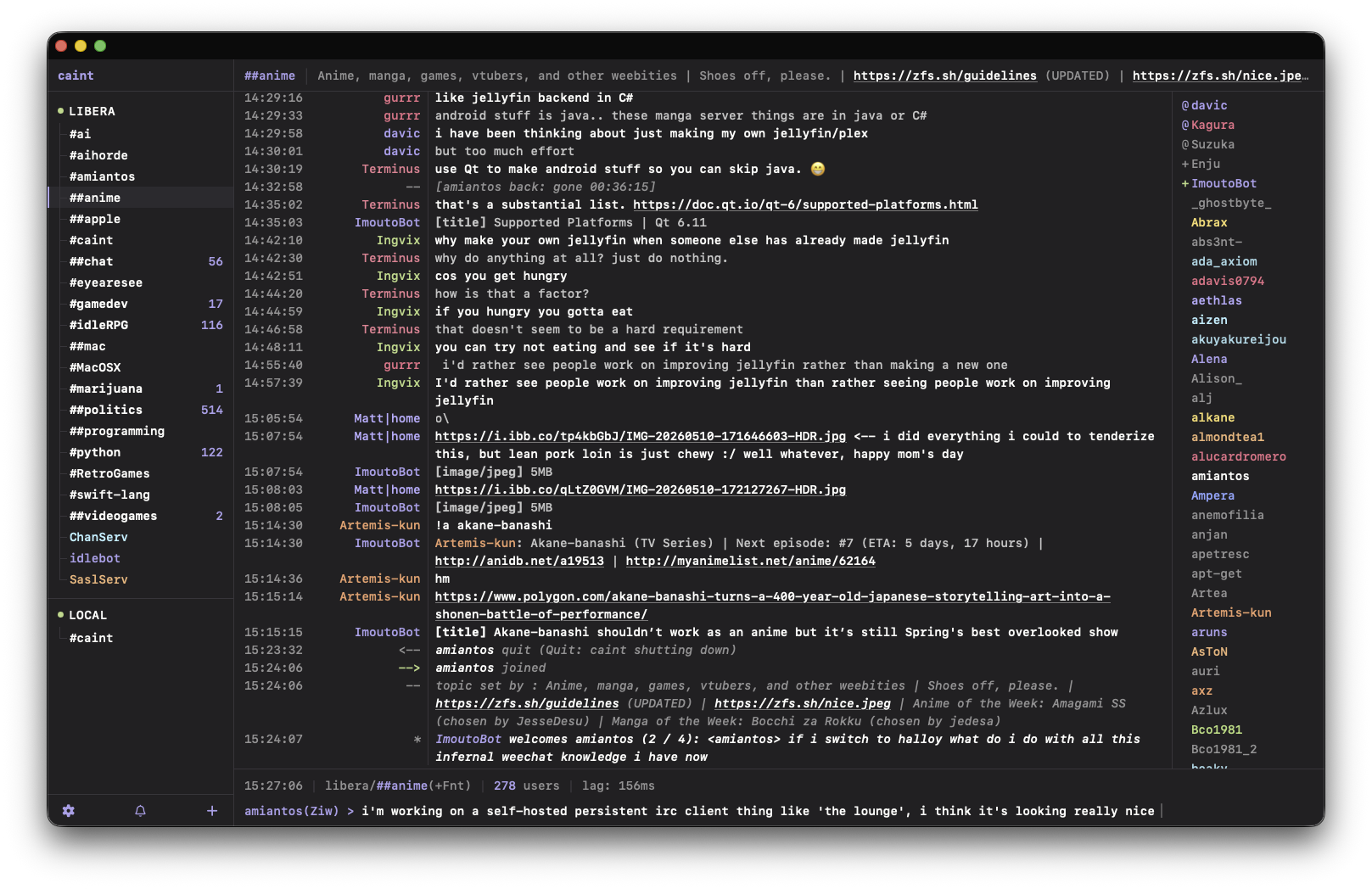
Starting to look really nice!
Switched to a different icon, this is my third take. Just an NP icon.
so my wife doesnt like the name of my irc client because the word “caint” in Gaelic is basically pronounced “cunt”
so maybe I will think of a different name…
Okay new app name runner up is “Lurker” and I mocked up this icon based on some influences…
I love this icon so much!!!
Very productive night working on Lurker.
- consolidated join messages are new and on by default
- added ‘plink’ sound effect for skdoo
- improved message sending functionality to ensure messages can’t be lost due to network issues
- sending message scrolls chat to bottom
- ‘pinned’ channels/dms that are reorderable in the sidebar
- keyboard shortcuts (hit ctrl+/ or cmd+/ to see them)
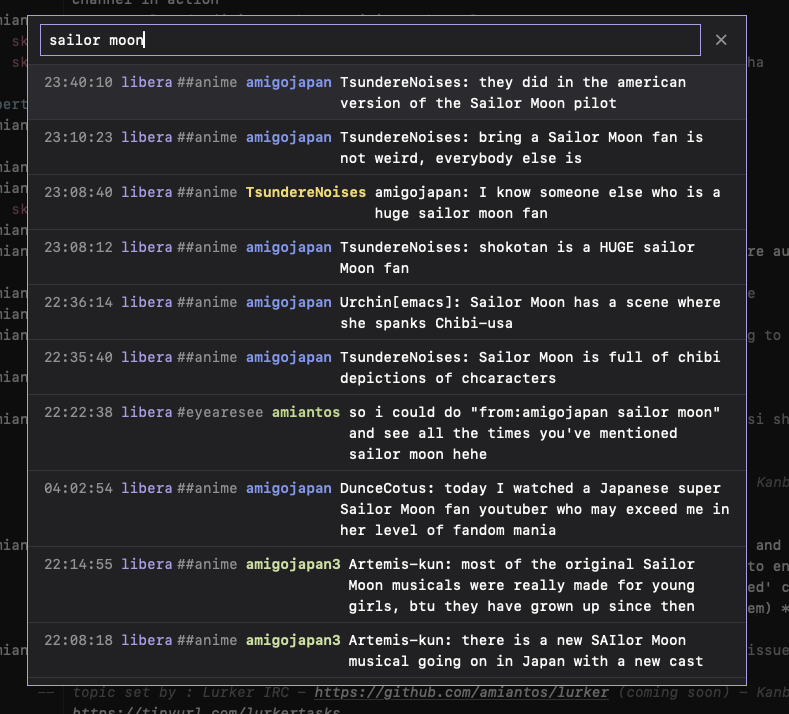
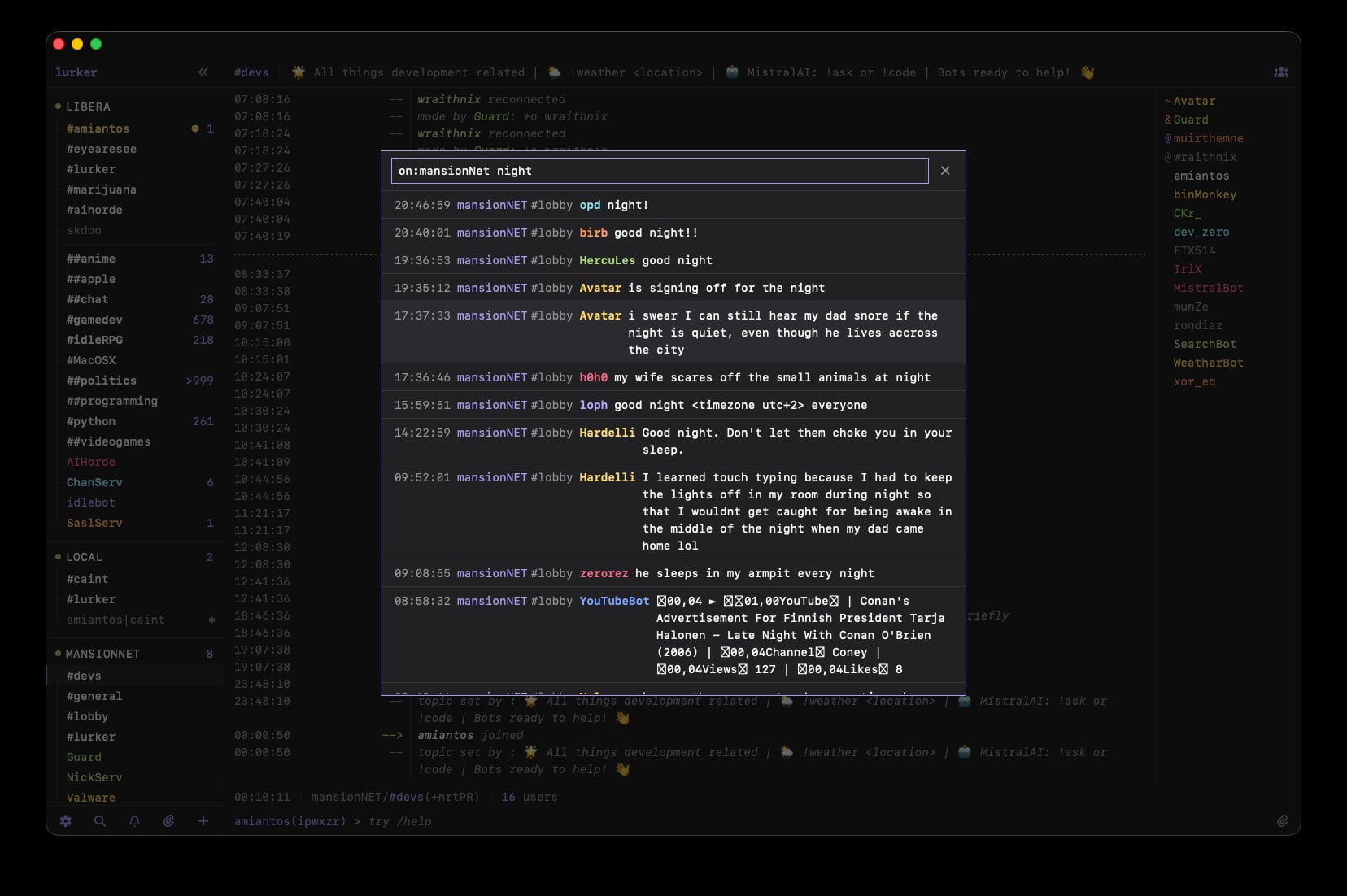
- global search with filters
- added
/jitsi / /talk command which generates random jitsi url for free voip/video calls
- some other misc fixes and improvements
All this is live on my irc.bradroot.me instance.
I did a lot yesterday well I didn’t mention here yet…
- Added support for more IRC / commands like /whois, etc
- Paste-enabled image upload support with support for x0.at, catbox.moe, and Hoarder instances
- Auto-fallback for taken nicks when logging in, auto-changeover when nick becomes available using ircv3 MONITOR support
- DMs show offline status for users (and away status if you are in a channel with the user)
- Fixed unread marker functionality
- Improved away marker functionality
- Fixed alt line coloring
- Hide/show lag indicator automatically, with configuration options
- Left and right sidebars on desktop can be collapsed
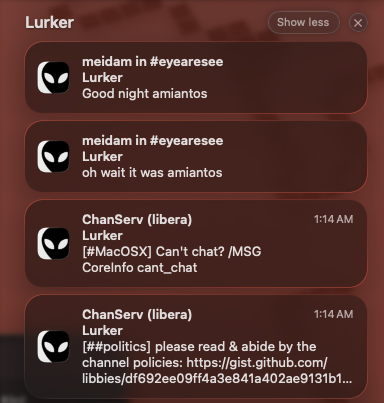
- Added in-client notification toasts of highlights with multiple choosable sound effects
Some screenshots…
Search working
Examples of consolidated status messages in a channel
Pinned and manually ordered channels/dms
Another night, another batch of cards taken care of…
- Bug fix: /quit resulted in immediate reconnection attempt
- Automatically remove nicklist when DM buffer is selected
- Added date marker to show when day changes in message list
- Added per-channel nicklist collapse memory
- Added code so any typing with Lurker selected goes to the input box
- Added ‘about’ panel to bottom of settings screen with links to repo and more
- Auto-away timestamp now adheres to users most recent local time zone
- Server numerics that were previously hidden are now shown in the server buffer
- Services notices from SaslServ and similar will now show in the server buffer unless you have an open DM buffer with them already
- Input field now has warnings when you write a long message, and will stop you from sending multi-message responses without additional confirmation. this can be turned off in settings via
chat.allow_split_messages
- Improved how the notification system and settings work
- You can now enable notifications for Highlights and DMs, so every DM triggers a notification (as they probably should)
- You can now mark channels as “always notify” so that every message triggers a notification
- You can configure a different sound for all three notification types, so channels, DMs, and highlights can all play a different sound.
- In regard to Push Notifications specifically…
- You can now set ‘mute push notifications when manually set /away’ so that you do not receive push notifications to your devices when you set yourself /away
- You can now set up quiet hours, a period of time in which push notifications are muted.
- Fixed issue where system-level spellcheck as not activated in the input bar
- Updated default quit message to say
lurker 0.1.0 (the truth is out there) https://github.com/amiantos/lurker like other clients tend to do
- Moved user count from status bar up to next to the button to expand/collapse the nicklist in the topic bar.
Phew! It seems like every card I close, I open a new one!
Another night has come upon us, which means that we have another batch of completed Lurker tasks to share with the world. Hark!
- Added full support for
/ignore with multiple entry points and a panel in the settings screen for managing ignores
- Input bar now supports multi-line input and shift+enter to manually create more lines. It also warns you against a message flood if you are going to send too much text, with a confirmation step to bypass.
- Added txt file upload: if you try to send a message over 2 messages in length, you are directed to upload it as a txt file to your selected file upload service (default is x0) for you to send.
- Replaced “@” nick auto-complete on mobile with a “suggestion bar” that overlays the status bar and works fantastically, as well as made several other fixes to nickname autocomplete. (There is a setting to turn this on for desktop mode if you like it.)
- Added Slack-style message drafts, so you can type a message in one channel/dm, switch to a different channel and send a different message, then switch back to the original channel/dm and finish the message you were working on. This is persisted server side so you can start a message on your computer and finish it later on your phone.
- Added
input.spellcheck and input.autocorrect to be able to toggle system spellcheck and autocorrect on and off independently if you want one but not the other. disable input.autocorrect to stop iOS from auto-capitalizing and correcting typos.
- Numerous improvements to mobile styling throughout the app.
Phew! It doesn’t look like a long list but some of those features are BIG. I felt it 
Woke up this morning and immediately wanted to fix a bunch of small bugs…
- Nicklist now truncates long nicknames with an ellipsis instead of overflowing; the hover three-dots button floats over the right edge of the row with a soft fade so it doesn’t reserve a column that squeezed short rows. Hovering shows the full nick as a tooltip.
- Several mobile Safari fixes: tapping into the input bar no longer zooms the whole site, tapping a name in the auto-complete suggestion bar no longer dismisses the soft keyboard, and the input bar properly clears the iOS home-indicator zone when installed as a PWA (with the padding collapsing while the keyboard is up so the input sits flush above it).
- Added
input.autocorrect_force_mobile — if you keep input.autocorrect off on desktop but want phone-typing assistance back on a soft keyboard, flip this on. Forces autocorrect (and sentence-start autocapitalize) on for touch devices only.
- Buttons that open a sub-menu (channel three-dots, member three-dots, topic-bar cog) now behave like real app menus: clicking the same button while the menu is open closes it. Previously the menu would silently re-open on the second click, so the only way to dismiss it was to click somewhere else.
We’re very close to release! Just a few more things I want to take care of. There are still some rough bits but overall we are hella close…
And even more Lurker changes and fixes today! Boy howdy!
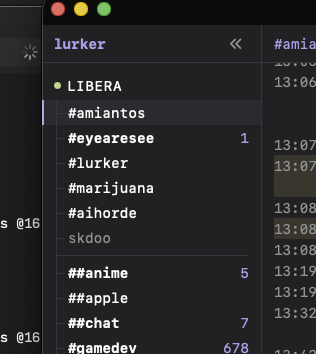
- There are now several options to configure how unread state shows in the buffer list.
- For unread count there are three settings for
look.buffer_list.unread_display
- Full - show count of all unread messages in channel/dm
- Highlights - show count of unread highlights in channel/dm
- Badge - shows only the yellow badge for unread highlights, no counts
- Off - disable counts in buffer list entirely
- By default unread buffers are colored with the app’s accent color now, this can be configured to any color via
look.color.buffer.unread
- By default buffers with unread highlights now color your
var(--warn) color, configured via look.color.buffer.highlight
- Bolding unread channels is optional and off by default now, configured via
look.buffer_list.unread_bold
- Second attempt at fixing the bug where iOS keyboard dismisses when tapping on nick suggestions in mobile suggestion bar
- Fixed bug where multi-line input area would obscure the most recent chat messages